

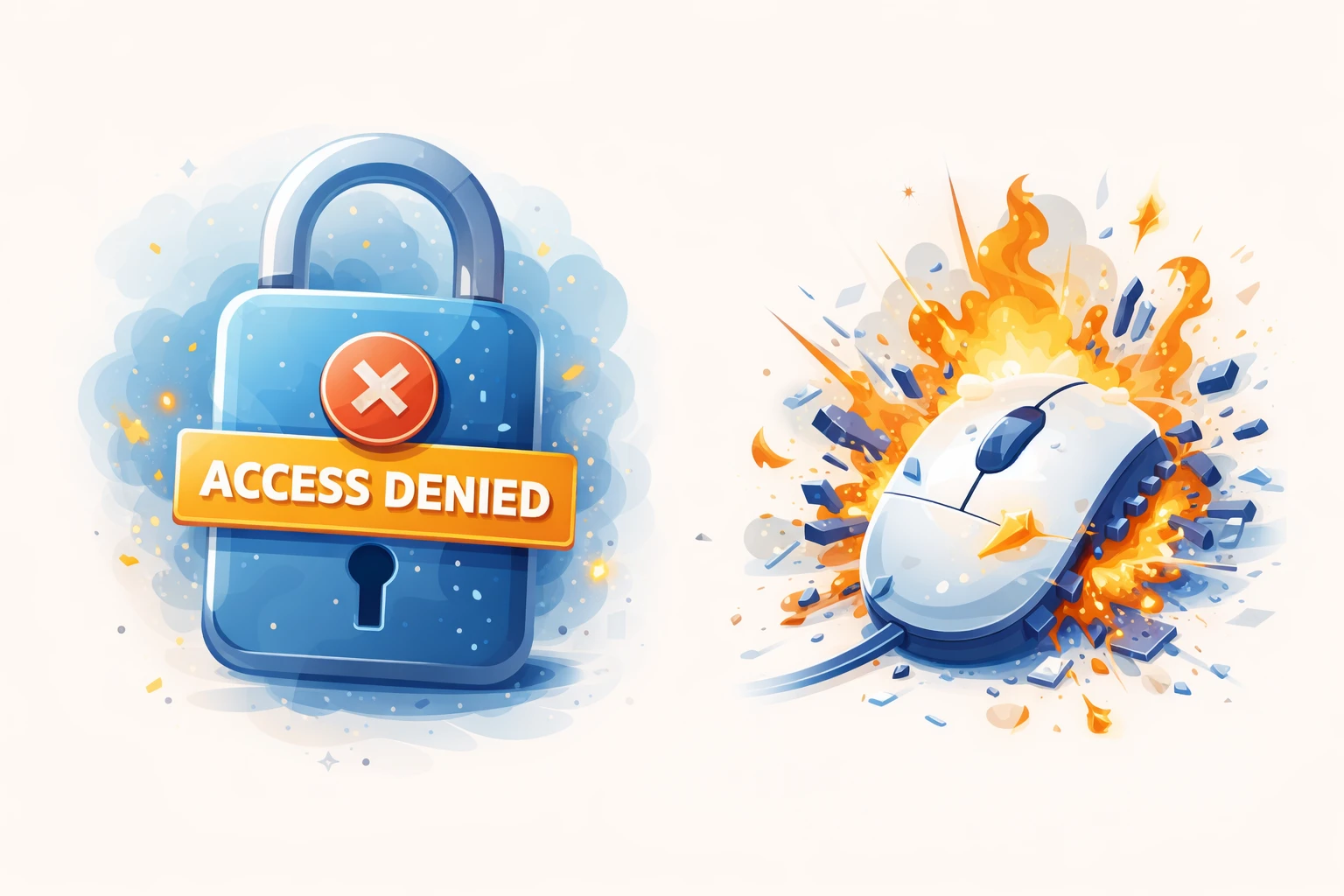
On January 7, 2026, the Logi Options+ and G HUB configuration apps for Logitech devices stopped working on Mac computers.
What Happened?
Basically, the certificate used by Logitech for signing their Mac apps expired. As anyone who has administered SSL certificates for web sites knows, all hell can break loose when a signing certificate expires.
This triggered the Mac OS' built-in security precautions and prevented millions of users from launching these apps to configure their mice, keyboards, and other devices. In some instances, this even caused an endless boot loop.
Why Does a Local App Need a Certificate?
For security in the Mac OS. Without discussing the pros and cons, it works similarly to visiting a website. Trusted companies issue website SSL certificates, so that when you visit a site with SSL, you can mostly trust that the organization really is who they say they are and isn't being impersonated by a malicious entity. When the SSL certificate is expired or revoked, you receive a warning that it may not be safe to visit the website, as a level of protection against fraud.
It's similar with the Mac OS. Mac developers create a developer account with Apple, and Apple provides them with a certificate to sign all their apps for running on the Mac. When you run an app on the Mac, the Mac OS checks the certificate with Apple to verify that it's valid, so you can mostly trust that the app came from who you think it came from. If an app developer is found to be malicious, or their apps have been maliciously altered, Apple can revoke their certificate to protect Mac users from potential catastrophe.
Why Did This Happen?
It was an oversight. The kind that we see every day in organizations of all sizes.
The certificate renewal date was probably on some individual technician's calendar, and they either left the company or were on vacation. Their replacement didn't know about the renewal date, and it was only discovered when their software stopped working in a spectacular fashion.
You wouldn't expect this to happen at such a large organization, but it's surprisingly simple for small details like this to get lost amongst everything else going on. The same thing happened in 2013 when Microsoft's Azure cloud services were brought down by an expired SSL certificate.
It's one of the reasons that I keep expiration dates logged and have reminders for all clients, even after their projects have ended. I'll make sure they're notified with plenty of notice, but even so I'll more often than not get a frantic call that things have stopped working because they forgot about it.
3 Ways To Prevent This In Your IT Org
This kind of problem is surprisingly easy to prevent. But it requires diligence and discipline to document, institute, and follow procedure. And it's not just certificate renewals -- this should be applied to anything that requires recurring attention.
1. Put Expiration/Renewal Dates on Shared Calendars
Make sure that you use some kind of shared calendars for any expiration and renewal dates regarding certificates, software licenses, or anything else important. Never keep things solely on an individual's calendar.
2. Always Register For Services Using Shared/Group Email Addresses
Never use an individual's email address when signing up for a service or configuring alerts. You should have at least one shared/group email address that you use for this purpose, which multiple people in the department/organization have access to.
3. Automate Certificate Renewals When Possible
In addition to possibly missing the deadline, certificate renewals are cumbersome and prone to manual data errors. Automating renewals through a utility or shell script takes more time up-front but will save major headaches down the line. Certificate issuers like Let's Encrypt offer shorter certificate lengths but provide options for automation on various platforms through the EFF's Certbot.
BONUS TIP: Regularly Audit Your Expirations and Renewals
People are people, and just because you have processes and procedures in place doesn't mean that they'll necessarily be followed. Be sure to schedule regular audits of your expirations and renewals (monthly or quarterly) to make sure that you have important dates noted and reminders created for those responsible.