



The QR Code on Your Flyer Might Not Scan
I print QR codes on almost everything now. But a QR code can be too full to scan, and the usual culprit is the link inside it. Long links make QR codes harder to scan, and the fix is simple: shorten the link before you make the code.
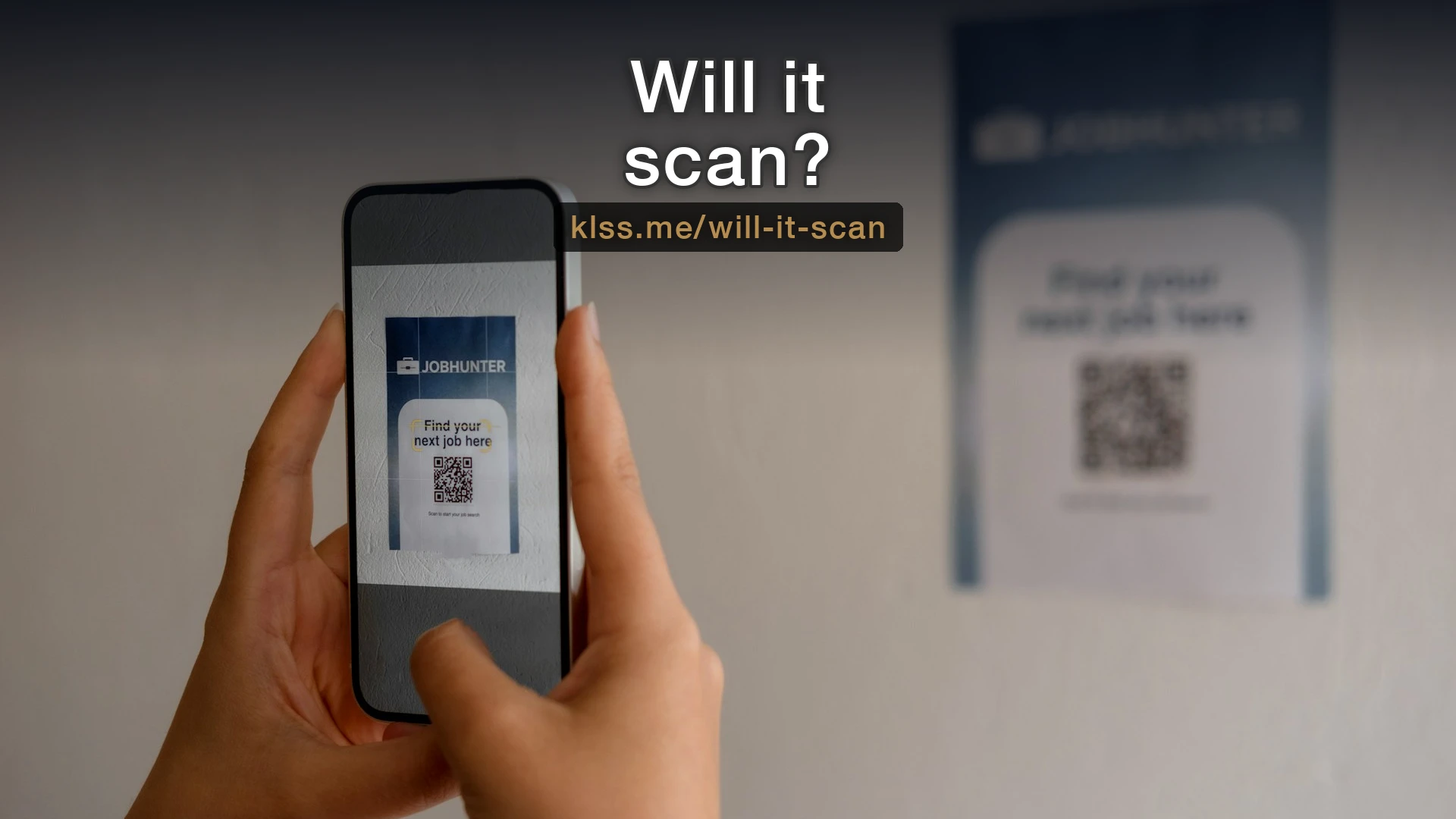
I print a QR code on almost everything now. Flyers, handouts, the postcard I bring to networking events. They're useful: someone points their phone at a little square and lands on exactly the page I want them on, no typing required.
What most people don't find out until the flyers are printed is that a QR code can be too full to scan. And the most common reason is the link you put inside it.
Why a long link breaks a QR code
A QR code is your link itself, stored as a grid of black and white squares. The more characters in the link, the more squares it takes to hold them. The square stays the same size on the page, so each little block inside it gets smaller.
Up to a point, that's fine. Phones are good at reading QR codes. But there's a threshold where the blocks get so small and so densely packed that a phone camera struggles to tell them apart.
Then add the real world. The code gets printed, maybe not at full resolution. The paper isn't glossy. The lighting in the room is bad. Someone's scanning from three feet away at an angle. Each of those takes a little margin away from a code that didn't have much margin to begin with.
A short link makes a clean, open code with big blocks that scan from across a room. A long link - the kind with a tracking string and a row of random characters on the end - makes a dense thicket that needs near-perfect conditions to work.
What a problem link actually looks like
Here's the kind of URL that causes trouble:
https://www.yourbusiness.com/events/summer-open-house?utm_source=flyer&utm_medium=print&utm_campaign=june2026
That's a normal marketing link. There's nothing wrong with it on a web page. But it makes a QR code dense enough that printing it small, in the corner of a flyer or on a business card, is asking for scan failures.
Now compare it to this:
yourbiz.link/openhouse
Same destination. A fraction of the characters. The QR code for the second one is wide open and reads instantly, even printed small on cheap paper.
The fix: shorten the link before you make the code
The fix is simple. Before you generate the QR code, run your link through a URL shortener. The shortener gives you a short link that redirects to the long one. You put the short link in the code. The code comes out clean and scannable, and the person still lands exactly where you sent them.
This has a second benefit. A short link is also easier to trust. If someone reads the URL under the code before scanning, yourbiz.link/openhouse tells them where they're going. A wall of tracking parameters tells them nothing, or worse, makes them wary.
A few practical notes:
- Shorten first, then generate the code from the short link. Don't generate the code from the long link and hope.
- Test the printed code before you order a stack of them. Print one, scan it with a couple of different phones, from a normal distance. Five minutes now saves a box of flyers later.
- Keep some quiet space around the code. The white border isn't decoration; the scanner needs it to find the edges.
A note on the shortener I use
I shorten links often enough - for flyers, handouts, the QR codes on my own materials - that I ended up building my own service for it, called itty.foo. It gives you short links on your own branded domain instead of a generic one, so a code points to something like go.yourcompany.com/thing rather than a stranger's brand.
I'm not going to turn this into a pitch. The point of the post holds with any shortener: short link first, then the code. But if you want to know more about itty.foo, ask me and I'll walk you through it.
The thing to remember
A QR code is only useful if it scans on the first try. People don't give it a second attempt. If it doesn't work, they shrug and move on, and you've lost the thing the code was there to do.
The part you control is the length of the link inside it.
If there's a small problem like this one costing you customers without anyone noticing, Fix One Thing is how I fix it, at a fixed price.
Enjoyed this? Get more practical tips in your inbox.
Every so often I send a short note about something I fixed for a small business, or a tool worth knowing about.