



Writing
Writing
Case studies, plain-English guides, and notes on the email, billing, and software problems that slow a small business down.
Case Studies

A local business owner asked me to look at the beverage community app he's building. Sixteen things stood out, including a Private setting that sometimes saved posts as public and form rules the server never checked.

A founder gave me access to his CRM's closed beta. A few hours of ordinary use, with no code review, found three crashes, a record cap a restore could walk straight past, and quotes that saved with any price you typed in.

How a hosting provider's default configuration put an entire franchise network's outbound email in the spam folder, and what the fix is. I diagnosed it and reported it to the owner; the fix is his to make.
Klassroom Notes
You probably write the same handful of emails every week. Write each one well, once.
Most document chasing isn't the client's fault. The request was scattered across six emails.
When your domain lapses, your website and your email go dark together, and the renewal notice usually went somewhere nobody reads.
One of the costliest email scams is a polite note from a vendor saying their bank details changed.
A sales pitch texted to a California cell phone isn't allowed, even when it's your business line.
The work could probably be covered. The trouble is that nobody else can get into anything.
What you do in the first hour matters more than anything you do in the following month.
A public email address with no owner is a hole your leads fall into, quietly.
You paid for the logo. Without something in writing, the designer still owns the copyright.
Bad website projects usually start with two people who never agreed on what they were agreeing to.
Nobody decides to spend four hundred a month on software. It accumulates nine dollars at a time.
For most owners, the phone is the master key to the entire business.
Good at questions you have already answered in writing. Bad at anything requiring judgment.
Email is opt-out. Texting is opt-in, and the penalties are much larger.
Your site feels fast to you. Your customers are on a phone, on cell data, seeing it for the first time.
You can't delegate, hire for, or automate a process that only exists in your head.
The customer disputes the charge, the money leaves your account, and you find out afterward.
Former employees and contractors usually still have access. Nobody ever closed the accounts.
It means the connection is private. It doesn't mean the business is trustworthy.
The risk of anything automated: it fails in the background, silently.
You probably have a list of past customers. Here's the first email to send them.
Most people see your site on a phone first. Make sure it holds up.
Every app made sense on its own. Together they're a tax on your attention.
A calmer way to follow AI without letting it run your week.
The reviews that bring in work are the ones that name the problem you fixed.
When the work piles up, a person isn't always the answer.
Where they fit, where they don't, and what to know before you build.
A lot of 'marketing problems' are really response-time problems.
You can't fix what you can't see. Start by measuring.
Most unpaid invoices are preventable before the work starts.
The difference between owning something and renting access to it.
The upkeep that runs fine right up until it doesn't.
The date your software stops being safe, even though it still runs.
Free is fine to start. The trouble is when the business depends on it.
Length does more work than complexity, and it's easier to remember.
The two clauses that quietly cost small businesses the most.
Wix, Squarespace, Shopify: what's yours, and what isn't, if you ever leave.
Knowing when to stick with a spreadsheet and when it's time to move on.
Three kinds of 'free,' and what each one costs you.
Start with the task, not the tool. Five jobs it handles well, three it doesn't.
Your files are saved. That doesn't mean they're safe.
The warning signs that an email is trying to trick you.
The second lock that stops most account break-ins cold.
Why reusing one strong password is the dangerous part - and the simple fix.
The free listing that shows up before anyone clicks your website.
Three settings that tell the world your email is really from you.
A free Gmail address quietly costs you credibility and control.
People mix these up constantly - here's how they actually relate.
The fees behind 'we accept cards' - and where your money actually goes.
The US rules for marketing email, and the two most small businesses get wrong.
Why they exist, which laws reach a small business, and the one page your site needs either way.
What the ADA means for your website, and the checks you can run yourself this week.
How your domain name connects to your website and email, and why that matters the day something moves.
Two ways to pay for a website, and the question to ask before you sign either one.
Blog

You don't need an AI strategy or a plan to keep up with every new tool. Pick the one task you redo every week, fix only that, and let it stay fixed.
Yesterday I ran a 90-minute AI workshop for Concord Chamber members. Here's what we covered - the practical stuff that actually holds up in daily use, and the things I told people to skip.
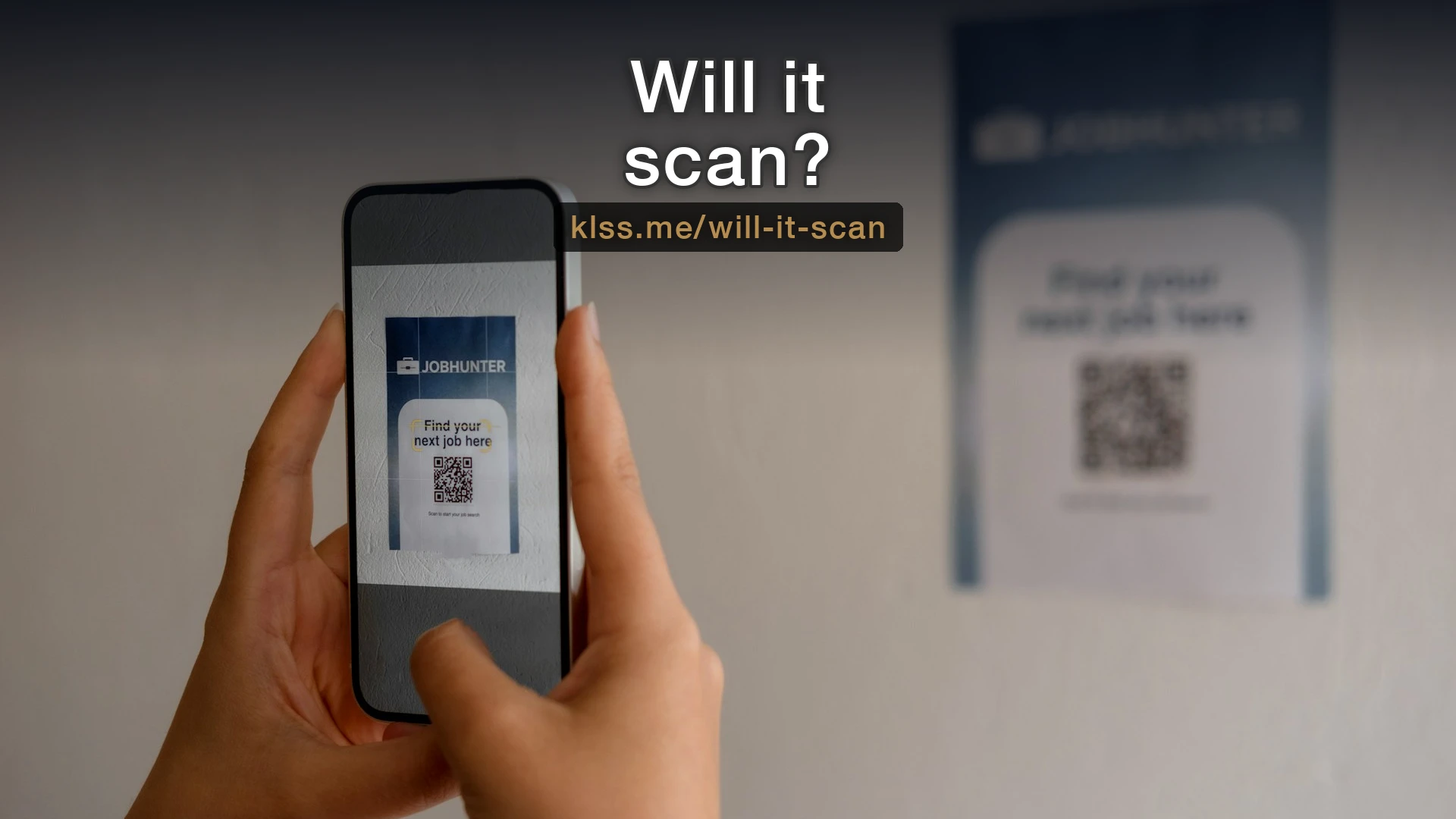
I print QR codes on almost everything now. But a QR code can be too full to scan, and the usual culprit is the link inside it. Long links make QR codes harder to scan, and the fix is simple: shorten the link before you make the code.

Most small business branding advice focuses on logos and colors. The first impression usually comes from two details you probably haven't thought about: your email address and your links.
Most small business owners know they should have a professional email address. Fewer realize the setup behind it can cause problems: email going to spam, a domain that's easy to impersonate, and replies that still come from a personal Gmail account.

You don't need to hire anyone to run this test. Imagine someone starts working for you on Monday with no prior context. How long before they can do the job without asking questions? The answer shows you where your process gaps are.
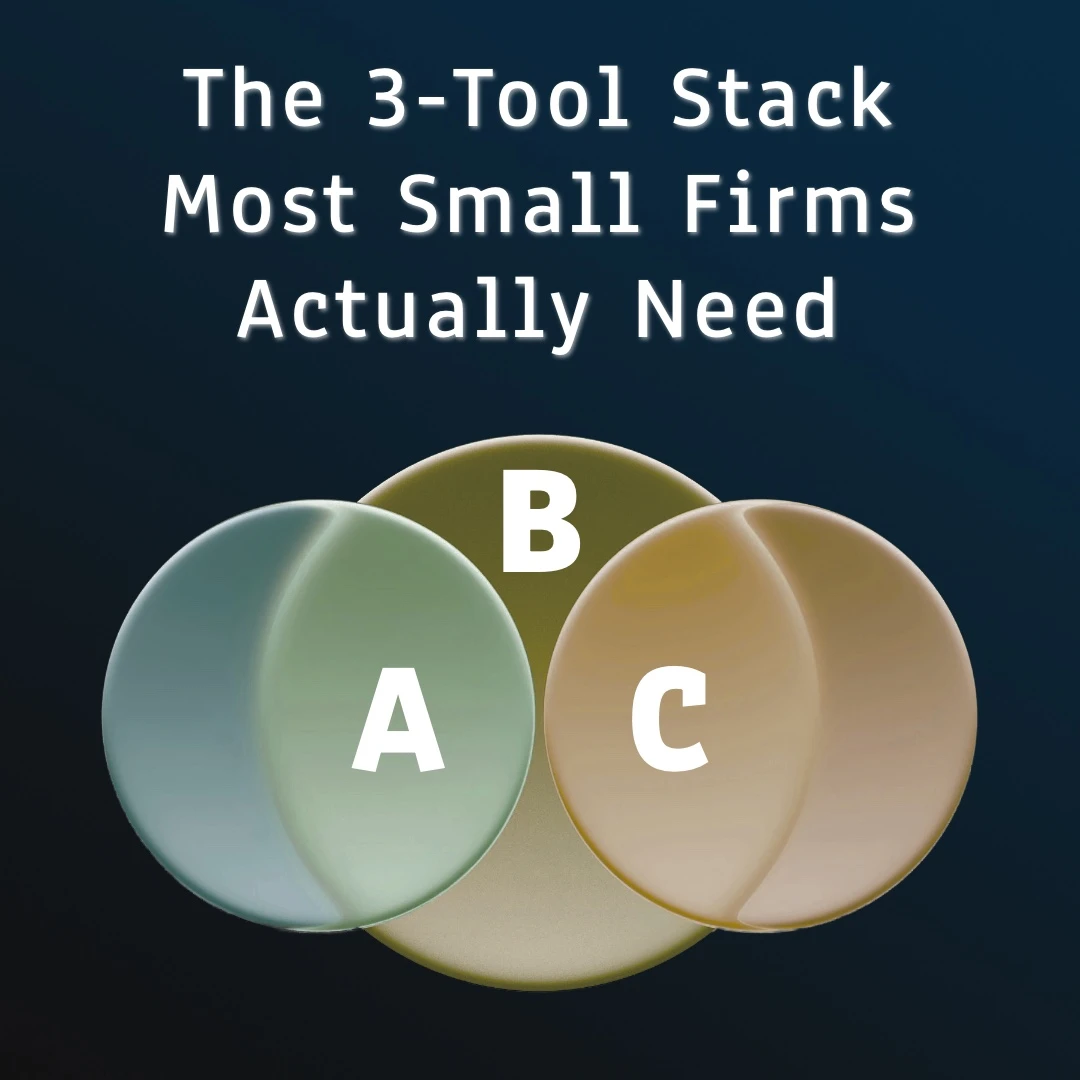
Most small businesses collect tools one problem at a time. What actually runs one well usually comes down to three categories, and staying inside them makes everything else easier.

The same five problems keep showing up in small businesses: the same data typed twice, files lost in email, no onboarding steps, overlapping tools, and work that should run on its own. None is glamorous, and each one eats time every week.

Email is still where most business actually gets done. Six things I set up on every email account, from using your own domain to deciding whether your signature needs an image at all.

After almost 30 years in corporate IT, I left my job at the end of 2023 because I missed working with people face to face. At the Concord Chamber of Commerce I kept meeting small business owners buried in tasks that a small setup change could fix, so that's the work I do now.
Get future posts delivered to your inbox.
Every so often I send a short note about something I fixed for a small business, or a tool worth knowing about.