



What Is DNS?
How your domain name connects to your website - plain and simple.
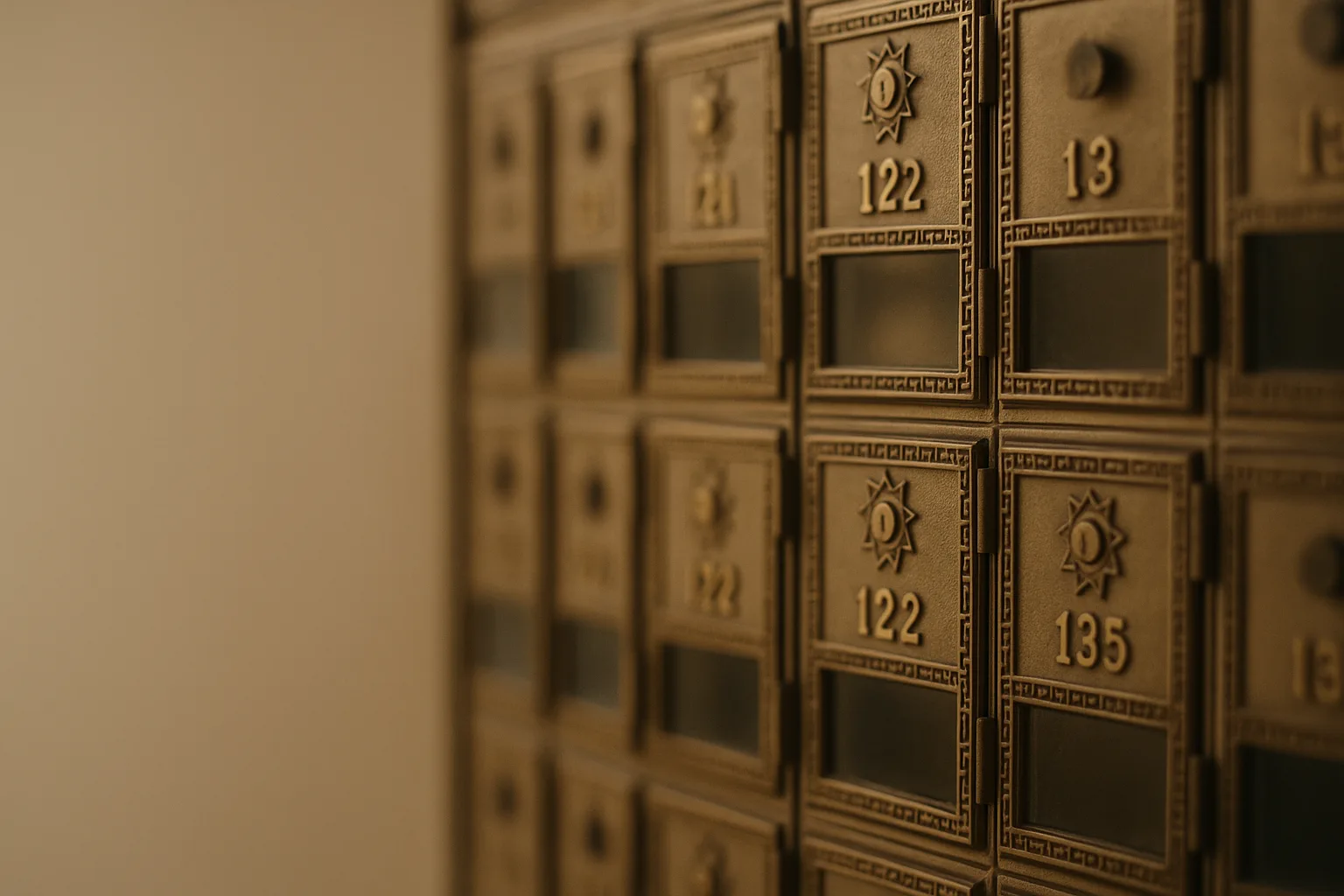
The postal service analogy
Think of DNS like the postal service.
When you mail a letter, you write an address - "123 Main Street, Concord, CA." The postal service looks that address up in its routing system and figures out exactly which physical location to deliver to.
DNS does the same thing for websites. When you type "klassconcepts.com" into your browser, your computer doesn't know where that is. It asks a DNS server - a specialized directory service - which translates that domain name into an IP address (something like 203.0.113.42). Your browser then connects to that IP address and loads the page.
The domain name is the friendly address people type. The IP address is the physical location on the internet. DNS is the routing system that connects them.
Why this matters for your business
- Your domain name and your website are two separate things, connected by DNS. You can change your website host without changing your domain, and vice versa.
- DNS changes - like pointing your domain to a new host - take time to spread across the internet. Typically a few hours, sometimes up to 48 hours. This is called "propagation." Plan ahead when you know a change is coming.
- Email also uses DNS. Records called "MX records" tell the internet which server handles email for your domain. If these are wrong, email won't arrive.
- If DNS is set up incorrectly, your site or email can go down even though nothing is technically "broken" on either end.
Common DNS terms you might hear
- A record: Points your domain to an IP address - the main website record.
- CNAME: Points one domain name to another. Often used for the "www" version of your domain.
- MX record: Controls where email for your domain is delivered.
- TTL (Time to Live): How long other servers cache your DNS information before checking for updates. Lower TTL means faster propagation when you make changes.
The bottom line
Most small businesses never need to touch DNS settings directly. But knowing what DNS is means you won't be caught off guard when your web developer says "you'll need to update your DNS" - you'll know what they mean, why it takes time, and what to watch for.
Want help applying this to your business?
The Small Business Efficiency Checkup covers this and more - a practical review of your systems, tools, and workflows with a plain-English action plan.
Get practical notes on small business operations in your inbox.
Practical notes on running a small business more efficiently - tools, workflows, and the occasional observation from 30 years of systems work. Short, useful, and infrequent.