



Siri Is Finally an AI Chatbot
iOS 27 turns Siri from a command box into a conversational AI assistant that can use personal context, understand what is on screen, and take action across supported apps.
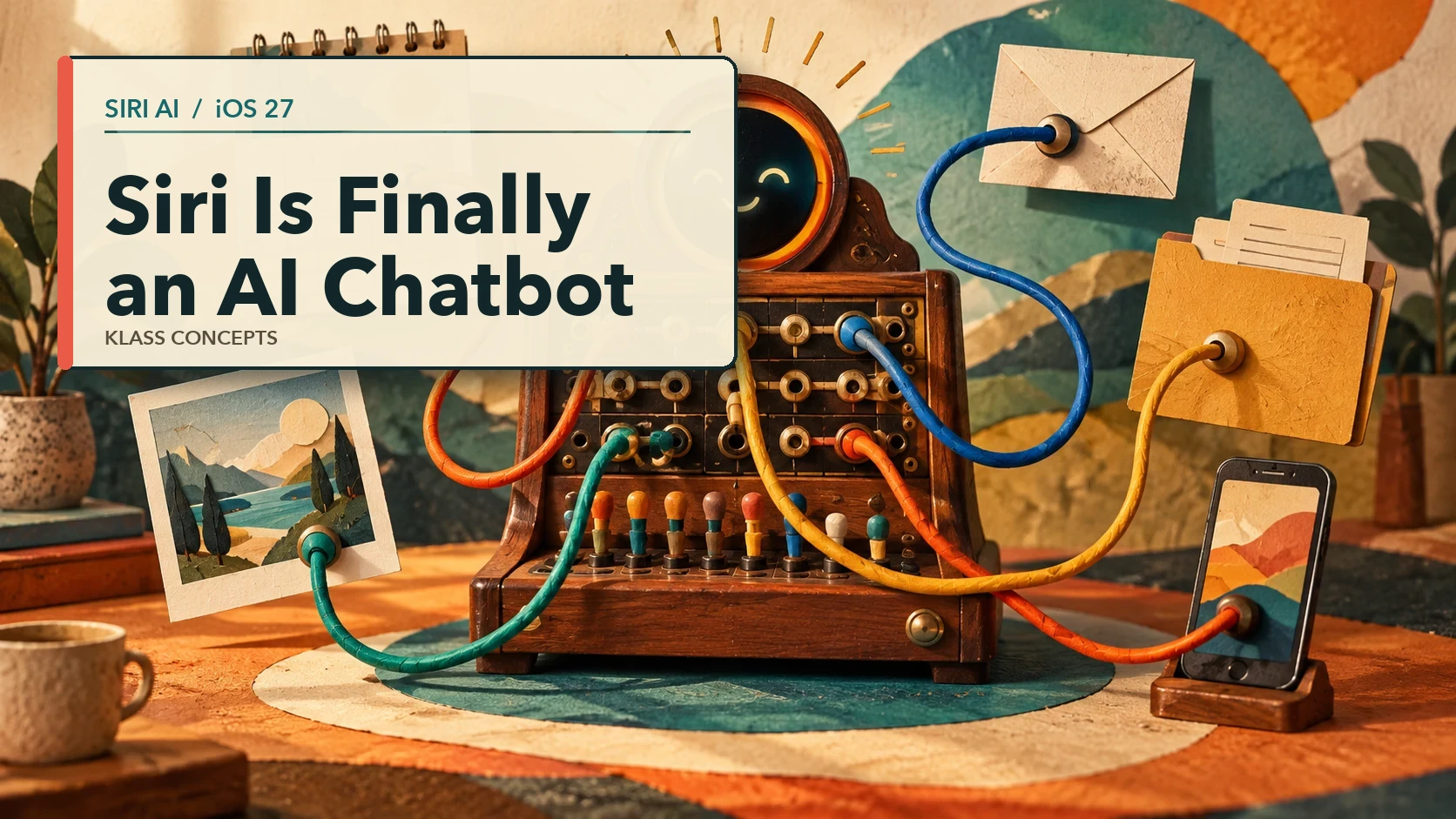
From the time it was released, Siri was useful when you already knew the exact command it expected. Set a timer. Call a contact. Play an album. Ask a more complicated question, change your mind halfway through, or refer to something in another app, and the conversation usually fell apart.
That changes with Siri AI in iOS 27.
Apple has turned Siri into a conversational AI assistant with a dedicated app, follow-up questions, broad knowledge, personal context, and the ability to work with information across supported apps. You can still ask it to set a timer. But that's now the least interesting part.
Siri AI began rolling out in beta in English with iOS 27 on September 14. It requires an Apple Intelligence-compatible device, which includes the iPhone 15 Pro and Pro Max, iPhone 16 models or later, and newer supported Apple products. Availability still varies by language and region.
The Important Change Is Context
Most chatbots know what you type into the chat. They don't automatically know which email you received yesterday, what appointment's on your calendar, or which file's open on your phone.
But Siri AI can use personal context from the information on your device. Apple gives examples such as finding a restaurant recommendation from a message, pulling a hotel confirmation number from an old email, or locating photos from a particular trip.
For a small business owner, that could mean requests like:
- "What time is my next appointment with Dana?"
- "Find the email with the revised insurance quote."
- "Which client sent me the new logo last week?"
- "Draft a reply using the dates in my calendar."
This is much closer to how people actually ask for help. You remember the meaning of the thing, not necessarily its filename, subject line, or exact location. This is something that the old Siri couldn't do.
It Can See What You're Looking At
Siri AI also has onscreen awareness. If a PDF, email, image, note, or supported app is open, you can ask about "this" without copying it into a separate chatbot first.
You might open a proposal and ask for the payment terms. You could look at two reports in the Files app and ask which one grew faster. You could open a recipe and ask Siri to add the ingredients to a shopping list.
That small word, "this," removes a surprising amount of busywork.
It Can Continue the Conversation
The new Siri app keeps conversation history and syncs it privately through iCloud across your Apple devices. You can begin on an iPhone, return to the conversation on a Mac, and ask a follow-up without starting over. Much like the ChatGPT or Claude chats you have on the web right now.
This matters because useful business questions rarely fit into one prompt. A normal exchange might sound more like this:
Find the latest proposal for the Jackson project.
Summarize the price and timeline.
Draft an email asking whether they want to proceed next week.
Make that less formal.
That's a conversation, not a voice command.
Siri Can Take Action, but Not in Every App
There's an important limitation. Siri doesn't automatically understand every piece of information inside every app.
Apple gives developers a system called App Intents. It lets an app describe its information and actions in a form Siri understands, so that Siri can read the app's data to help fulfill your request. A calendar app can identify events and attendees. A document app can identify files. A task app can explain how to create or complete a task.
Apps that adopt these tools can give Siri much deeper access. Apps that don't may offer only basic features, or none at all.
This means the quality of Siri AI will partly depend on the software you already use. Two apps that do the same thing may look similar on screen, but behave very differently when you ask Siri to find and update something.
This Is a Beta, Not an Employee
Siri AI is useful, but it shouldn't be trusted without review for contracts, financial figures, client instructions, or anything else where a confident mistake could matter. The same as the web-based AI you've been using.
I treat it like a fast first pass or a draft:
- Let it locate information, then check the source.
- Let it draft an email, then read the email.
- Let it summarize a contract, then verify the section that affects your decision.
- Let it prepare an action, then confirm the recipient, file, date, or amount.
The real opportunity isn't handing over judgment. Don't outsource your thinking. It's removing the mechanical work around finding, copying, sorting, and starting.
Start With One Real Task
Don't judge Siri AI by asking it a trivia question. Pick one irritating task from your actual workday.
Ask it to find an email you can't remember the subject of. Open a PDF and ask for the renewal date. Ask it to draft a reply using the information already on screen. Then try a follow-up.
That will tell you more than a feature list will.
Apple has more details in its Siri AI introduction and iOS 27 overview.
If you want help finding the places where AI can remove real busywork from your business, book a free consultation. We can start with the work that is already wasting your time.
Enjoyed this? Get more practical tips in your inbox.
Practical notes on running a small business more efficiently - tools, workflows, and the occasional observation from 30 years of systems work. Short, useful, and infrequent.