



How to Spot a Phishing Email
The warning signs that an email is trying to trick you.
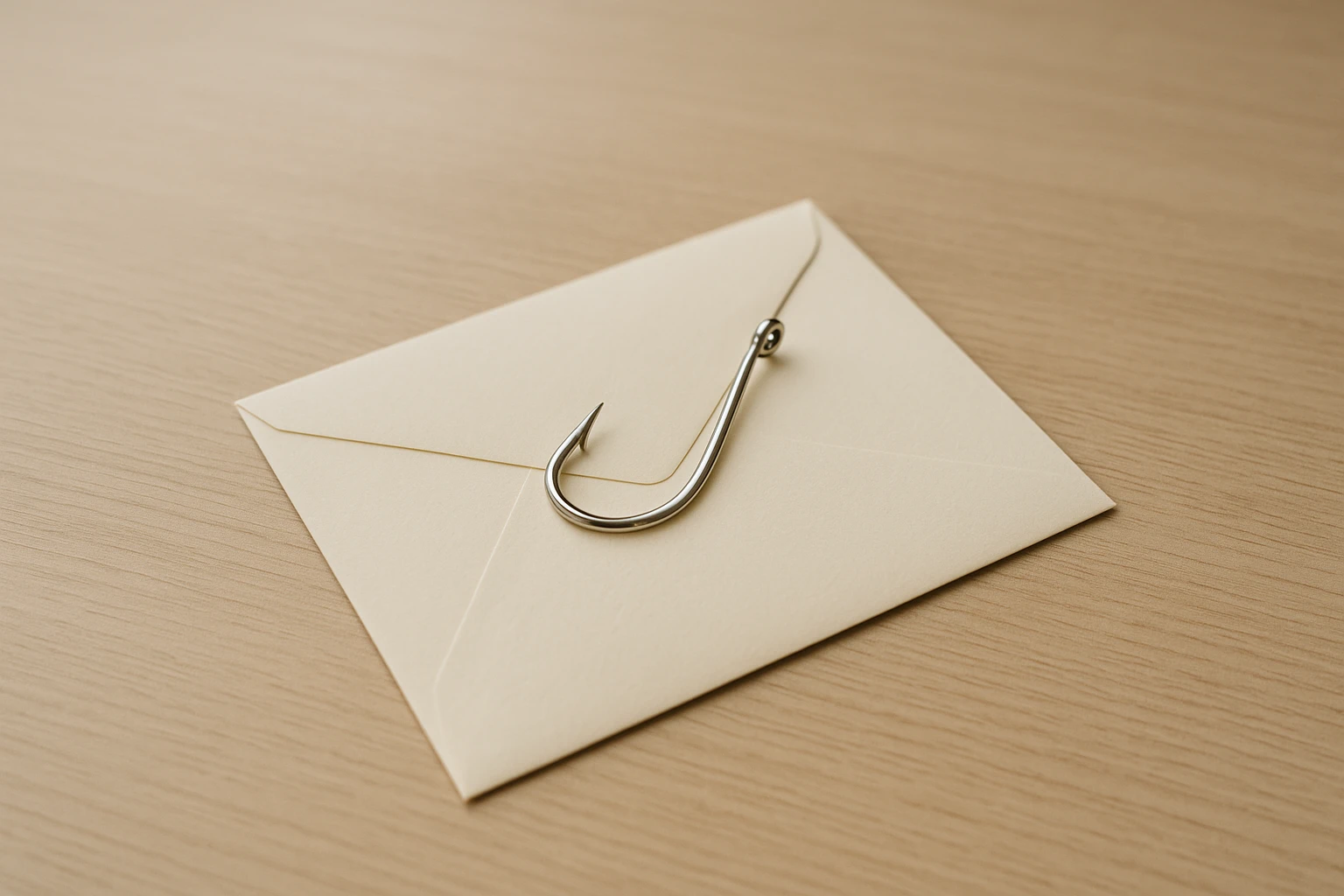
What phishing is
Phishing is a fake email (or text) built to trick you into handing over something valuable: a password, a card number, a payment, or access to an account. The message pretends to be someone you trust - your bank, a vendor, a delivery company, even your own colleague.
It's the most common way small businesses get broken into, and it works because it relies on you being busy, not on you being careless.
The feeling to watch for
Most phishing has one thing in common: it tries to rush you. A sudden problem, an urgent payment, an account about to close, a package stuck in customs.
That jolt of "act now" is the trick. It's designed to get you clicking before you think. When an email makes you feel a sudden rush to act, slow down. That feeling is the warning sign itself.
Concrete things to check
- The real sender address. The display name can say "Chase Bank" while the actual address is some random string. Hover over or tap the name to see the true address.
- Links that don't match. Hover over a link before clicking. If the text says one thing and the address shows another, don't click.
- Slightly-wrong details. A logo that's a little off, odd grammar, "Dear Customer" instead of your name, a domain like
paypaI.comwith a capital I standing in for the L. - Unexpected attachments. An invoice or document you weren't expecting is a classic way to deliver something harmful.
- A request that breaks normal process. "Wire the payment to this new account today." Real vendors don't usually change bank details by surprise email.
The trap aimed at businesses
One version targets owners directly: an email that looks like it's from you, asking an employee to buy gift cards or wire money urgently. Another impersonates a real vendor and asks you to "update" their bank details before the next payment.
Both bypass technology entirely. They work by impersonating a person you trust.
What to do instead of clicking
When something feels off, don't reply, don't click, and don't call any number in the email. Reach the company or person through a channel you already trust - their official website, a number you have on file, or a quick call to the colleague who supposedly sent it.
Thirty seconds of checking beats days of cleaning up after a stolen password or a payment sent to a thief.
Want help applying this to your business?
One local person who looks after your office's technology every month, on a checklist, from $150 a month.
Get practical notes on small business operations in your inbox.
Every so often I send a short note about something I fixed for a small business, or a tool worth knowing about.