



What the Padlock Actually Means
It means the connection is private. It doesn't mean the business is trustworthy.
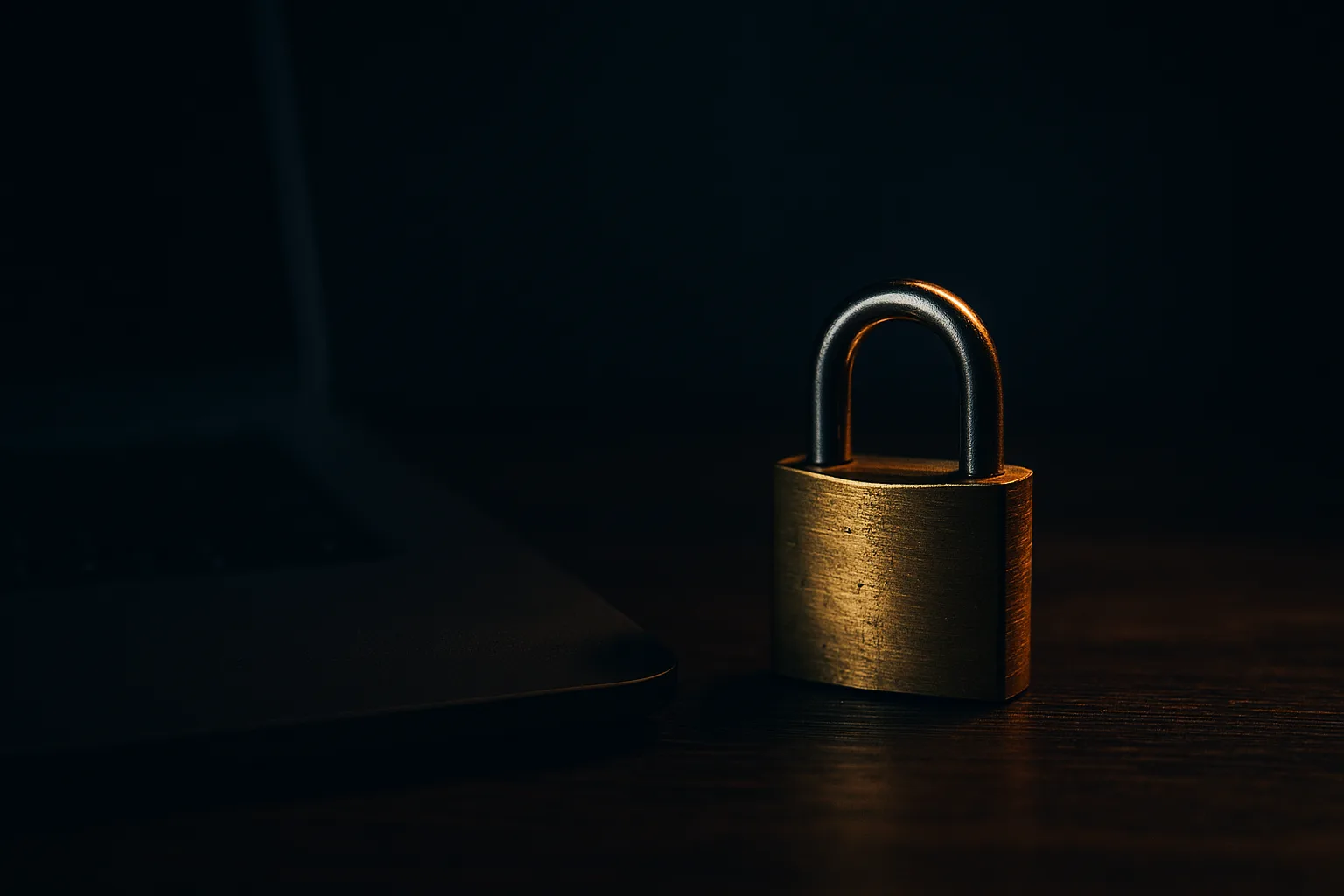
The little padlock in the address bar
Every browser shows a small padlock next to your website's address. Most people read it as "this site is safe." It doesn't say that, and knowing what it actually says is worth two minutes of your time.
The padlock means one thing: the connection between the visitor's browser and your website is encrypted. Nobody sitting on the same coffee shop Wi-Fi can read what gets typed into your contact form or your checkout page.
What it doesn't mean
The padlock says nothing about whether your business is trustworthy, whether your prices are fair, or whether the site is even really yours. A scam site can get the same padlock in about five minutes, for free. Criminals do exactly that, which is why "it had the lock, so I thought it was fine" is now a common line after someone gets taken.
So the padlock is necessary, and that's all it is. It's a locked envelope, not a background check on the sender.
Why you still need one
You need it because of what happens when you don't have it. A site without a certificate gets flagged in the browser as "Not Secure," right next to your business name. Some browsers throw up a full-page warning before anyone can reach you. Search engines also rank unencrypted sites lower. And any information typed into your site travels in plain readable text.
For a small business, the practical damage is simple: a visitor sees a scary warning, assumes something is wrong with you, and leaves.
What this costs you
Almost certainly nothing. A basic certificate is free, and nearly every hosting company will issue and renew one for you automatically. If someone is charging you a yearly fee for a standard certificate, ask what you're getting for it. There are paid certificates that verify your company's legal identity, and a few businesses want that, but most small businesses don't need one.
The one thing to confirm is renewal. Certificates expire, usually every 90 days or every year. When one lapses, visitors get a loud warning that looks far worse than no certificate at all. Any decent host renews automatically. Ask yours whether it's automatic, and get a straight answer.
How to check your own site right now
Open your website on your phone and on a computer. Look at the address bar.
- A padlock, and the address starts with https:// - you're fine.
- "Not Secure" or a warning triangle - your certificate is missing, expired, or misconfigured. Call your host today.
- The site loads on https:// but not on http://, or the other way around - it should work either way, with the plain version automatically sending people to the secure one.
Also check any older pages, landing pages, or subdomains you set up years ago and forgot about. Those are usually where an expired certificate is hiding.
Your site needs a certificate, it should cost you nothing, and it should renew on its own. Check the address bar today, and if you see a warning instead of a padlock, that's the whole job for this week.
Want help applying this to your business?
One local person who looks after your office's technology every month, on a checklist, from $150 a month.
Get practical notes on small business operations in your inbox.
Every so often I send a short note about something I fixed for a small business, or a tool worth knowing about.