



Stop Retyping the Same Email
You probably write the same handful of emails every week. Write each one well, once.
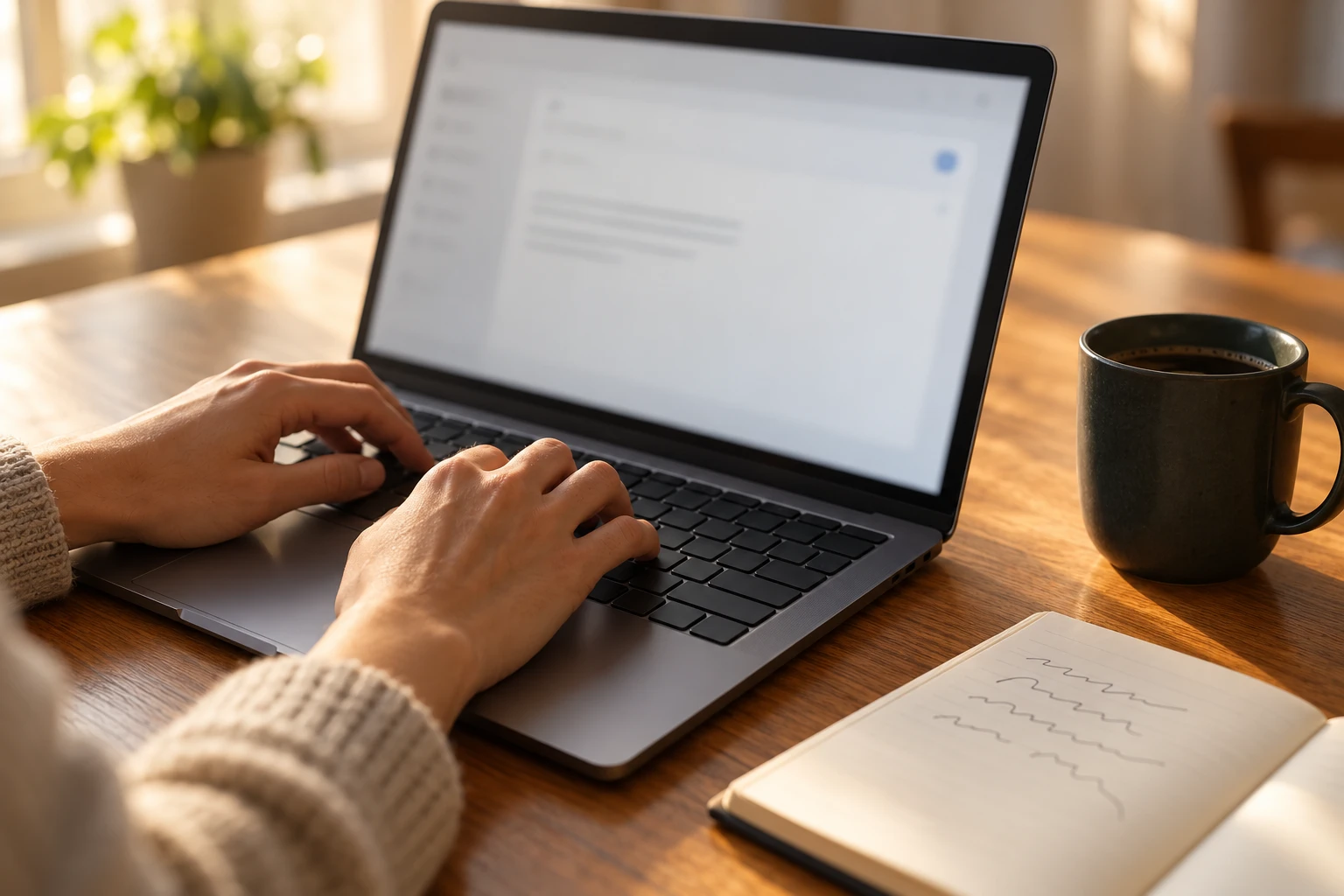
The emails you write over and over
Look through your sent folder for the last month and you'll probably notice something: a lot of what you write is the same email, typed again.
The new-client welcome. The "here's what I need from you" list. Directions to your office. The follow-up after a quote. The polite reminder about an unpaid invoice. The "thanks, got it, I'll get back to you by Friday."
Each one can take five or ten minutes, because you're writing it from scratch and trying to remember what you said last time. Over a week, that adds up to a lot of time spent writing things you've already written.
Write the best version once
The fix is simple and it isn't new: save your best version of each one and reuse it.
Start with the five to ten emails you send most often. For each one, find the best version you've ever sent, the one that got a clear reply and no follow-up questions, and clean it up. Put anything that changes in square brackets, like [first name], [date], or [amount], so it's obvious what to fill in.
Then store it somewhere you can reach in a couple of clicks. Most email programs already have a place for this:
- Gmail has a feature called Templates. Turn it on under Settings, See all settings, Advanced.
- Outlook has a version too, though where it lives depends on which Outlook you use. Search its help for "templates."
- iPhones and Macs have text replacement built in, which turns a short code into a full sentence as you type, and most Android keyboards have something similar. It's good for the lines you type constantly, like your address, your booking link, or your office hours.
There are also dedicated text expansion apps that work in every program on your computer, if you find you want more than that.
Keep it sounding like you
The worry people have about templates is that they'll sound canned. That only happens when the template is the whole email.
The rule that fixes it: the template is the middle, not the start. Write the first line fresh every time, something specific to this person and this conversation. Then paste in the part that's the same for everyone. The client reads a personal note with clear, complete information, and you've written one sentence instead of twelve.
A few other habits help:
- Read it before you send it. A template with the last client's name still in it is worse than no template.
- Fix it when it fails. If clients keep asking the same follow-up question after a template, the template is missing something. Add it.
- Review them once a quarter. Prices change, office hours change, and links break.
Where this goes next
Once your common emails are written down, you have more than a time-saver. You have a record of how you talk to clients, which anyone who helps you can use on their first day. It's a small version of the idea in Write Down How You Do It.
It's also a task where AI is useful with almost no setup: paste in your rough version, ask it to tighten the wording, then read the result and put your own voice back in. Office Tasks AI Can Take Off Your Plate, and the Ones It Can't covers where that line is.
Want help applying this to your business?
I'll set up your email so messages stop going to spam and nobody can send email pretending to be you, for $200 on the account you already have or $350 to move you and set it up.
Get practical notes on small business operations in your inbox.
Every so often I send a short note about something I fixed for a small business, or a tool worth knowing about.